

TaleKeep
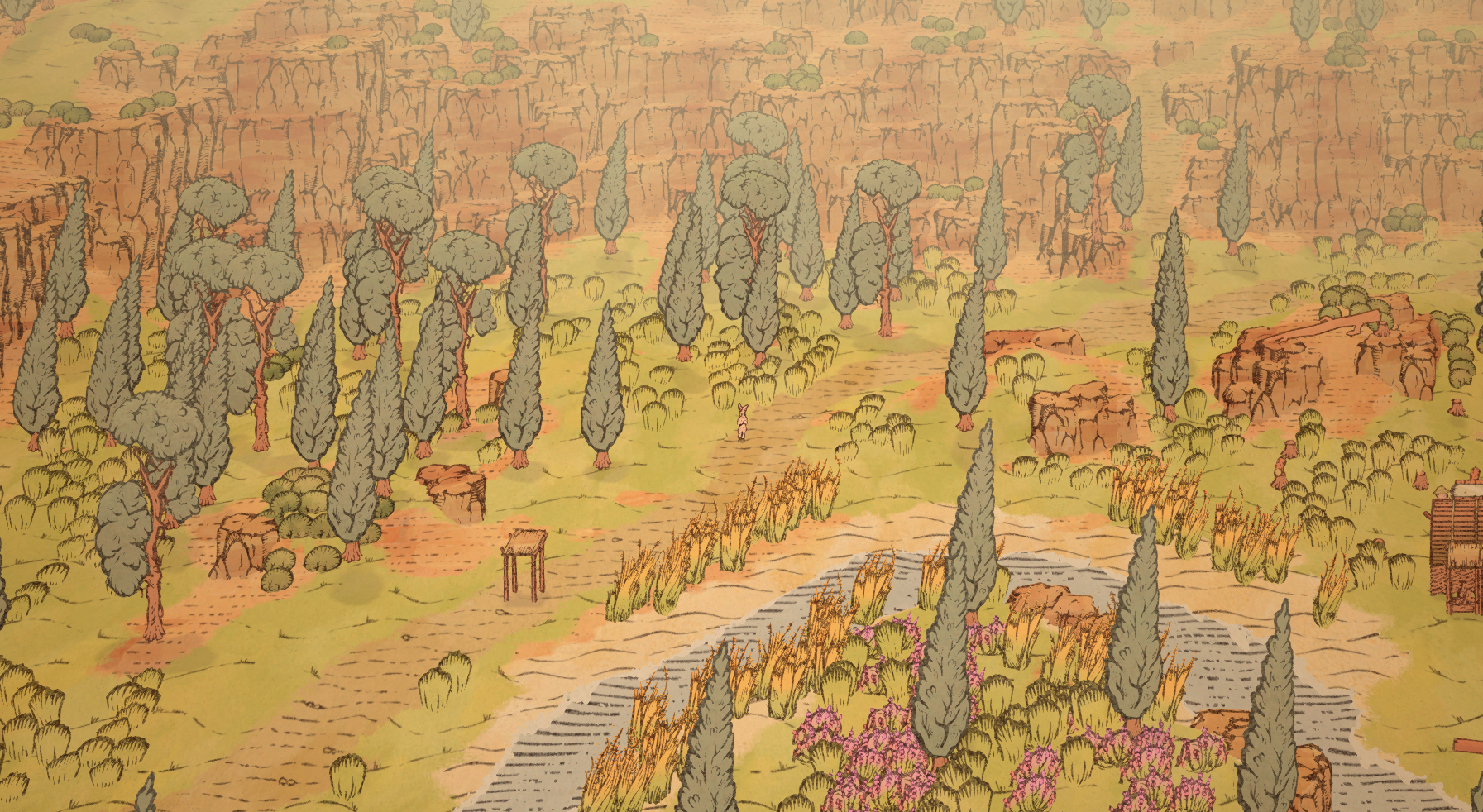
I had the pleasure of handling sound design and direct Unity implementation for TaleKeep with FMOD. This was my first time working as a junior gameplay programmer in parallel to sound design, which was a wonderful learning experience in my journey to shore up my programming fundamentals and get more creative with the interactive aspects of game audio.
For the programming part of my role, I was responsible for features such as the Day-Night cycle, programmatic ambience based on location, a modular audio system with FMOD integration, and bug fixes. All systems were built in C# using MonoBehaviour scripts and Scriptable Objects.
For the sound design part, I've been in charge of creating bespoke sounds for the environment, characters (including the silliest voice acting debut one could imagine), items, furniture, machines, and UI. Building the technical audio systems on top of FMOD gave me a lot of creative freedom for how I could implement and control the audio on the fly, so I had a blast adding details I wouldn't normally be able to in most games without dedicated help from the dev team.
TaleKeep is currently in early development with a release date TBA.
Sound Design Examples
Below, I'll pull some examples of systems I was particularly charmed by when building, and explain the implementation approach I took for each. There's a lot of audio work to talk about in TaleKeep, so here are my personal highlights.
Tool Usage and Item Interactions
This was a fun one. Each tool in TaleKeep has a data structure which contains information about the tool, like cooldown times, damage, and a Tool Sound Profile; a set of sounds related to the use of the tool. This allows us to load unique charge, swing and hit sounds for each tool in the game. The axe sound design was particularly fun to do because I had to nail the feeling of sinking an axe into a tree trunk.
In addition to the tool element, I was able to implement unique audio for each type of tree. For example, deciduous trees sound a little deeper and hollower when they get hit or felled, compared to coniferous trees which sound more dense and "rustly".
It's worth mentioning that tools are considered "items" when they are not equipped. Items have a different Item Sound Profile that contains a pickup and drop set of FMOD events. This allows us to have unique audio for when tools of different sizes and material properties get moved around by the player, or NPCs.
Since there will likely be a lot of tools and items in the game, we can save design time by leveraging sound profiles and having metal and wood versions for small, medium and large sizes of tools for the time being.
Dynamic Ambience
At the moment, we're using a single "Outside" ambience event in TaleKeep, which contains sets of looping soundscapes for fields and forests (with random start offsets). We check the number of treees in proximity to the player character, and control a crossfade between the forest and field tracks with that number. This ensures that we don't get dead zones or sudden jumps between ambience types: a smaller amount of trees will introduce forest sounds, but not completely overtake the field ambience.
Day and Night Ambience
In the following video, time is sped up to show the change between day and night ambience variants.
We also have day and night variants for each ambience type, which get crossfaded depending on the in-game time of day, calculated as an inverted cosine of the current blend percentage of the day (midnight is -1, noon is 1). I used automation curves in FMOD to ensure we're fading between each day and night variant at what feels like the right time, and doing so non-linearly to avoid quiet areas in the crossfade range.
For entering buildings, we simply fade the "Outside" buses out when an "indoors" trigger in buildings is entered. FMOD's seek speed control allows a smooth transition between inside and outside.
Footsteps and Surface Testing
TaleKeep has different types of terrain (rock, sand, grass, dirt, water, groundcover, etc) and many different walkable surfaces that are not terrain (thatched flooring, wooden pallets, cobblestone, etc) which require us to play different footstep sounds depending on what they are.
First, we check to see if the player's position is lower than sea level, and if it is, we say the current ground type is water. This is because TaleKeep currently renders water at a set sea level position.
We then handle map terrain (grass, dirt, etc) by testing the colour assigned to the current map coordinate the player is on, and match that with a Ground Type enum value containing our different surfaces, which we then pass to our FMOD terrain parameter every time a footstep occurs.
For non-terrain surfaces (floors, tables, shelves, etc), I made a simple Surface Material component which we can apply to prefabs. We perform a sphere cast from the player downward and return the first Surface Material component we get, passing its data to the Terrain FMOD parameter. Since our ground type tester returns when it hits a Surface Material component, we skip the terrain check.
Splashing
An interesting problem that needed solving was items and characters making a splash sound when they hit a body of water. The approach I took was to add a script to ocean chunks which detects collisions with characters and items. If the velocity of the incoming collider is greater than some threshold, we play a splash FMOD event loaded from one of the character/item's components. I took this aproach to sourcing the splash from the colliding object because it allows us to play different splashes depending on its size. For example, we don't want a rabbit to make the same splash sound as a heavier full-sized human.